

Locked In · Build note
Progress lives in your browser. What does that mean?
A training tool is easier to return to when it remembers where you stopped. Locked In saves progress locally and provides a separate backup you can keep.
The useful decision
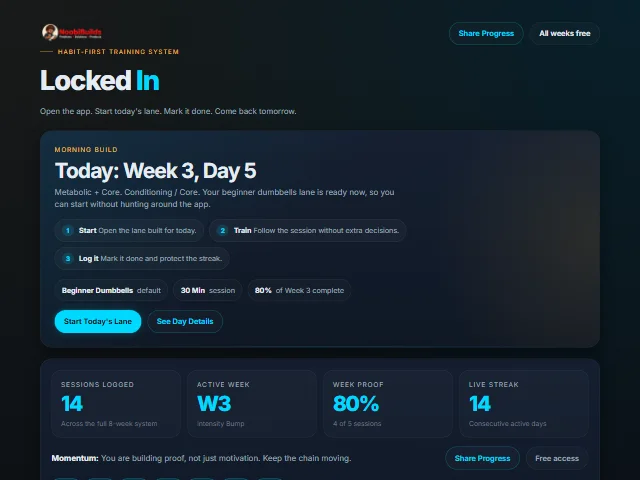
The current website implementation stores its application state in browser local storage. A reload can recover that state without an account or a server round trip.
The tradeoff
A local save belongs to that browser and website origin. It does not automatically follow you to another device. Clearing site data, switching browsers or using temporary browsing can leave you without that saved state.
A backup is a separate feature
The app’s backup control exports a versioned JSON file. The import path checks the backup before accepting it. A copy kept outside the browser gives the person a recovery option; it still needs to be saved and handled with care.
Try it yourself
- Open the app and record a small piece of progress.
- Reload the same browser tab and check that it remains.
- Use the backup control and keep the downloaded file somewhere you can find it.
If you already have progress, keep a backup before experimenting with imports or clearing browser data.
What this note establishes
This describes the current source implementation and its storage choices. It does not establish training results, recovery in every browser or synchronisation between devices. The public repository linked above is an earlier source example, not the current website build.
The work behind it
Locked In is part of NoobiBuilds’ AI-assisted building practice. This note explains an inspectable implementation decision without attributing every line of code to a single author.